
Over 3 billion gamers worldwide rely on screenshots and clips to share their experiences, and for MacBook users, the right capture tools can make or break a stream. Whether it’s a quick highlight, a tutorial, or a full gameplay recording, creators need more than the default shortcuts. They need tools that combine speed, clarity, and creativity.
The built-in macOS capture options are useful, but they lack advanced features. A MacBook snipping tool offers more flexibility, giving gamers scrolling screenshots, annotation options, and lightweight recording modes. These features help streamers communicate better with their audiences while keeping performance smooth.
Best Capture Tools for MacBook Gamers
Several apps stand out for their ability to balance performance with creative workflows. Each caters to different needs, from quick screenshots to full streaming setups.
- Snagit: Popular for its annotation features, Snagit lets gamers add arrows, text, and highlights to explain strategies or emphasize key moments.
- CleanShot X: Known for its clean interface, CleanShot X supports scrolling screenshots, instant cloud sharing, and a distraction-free capture mode.
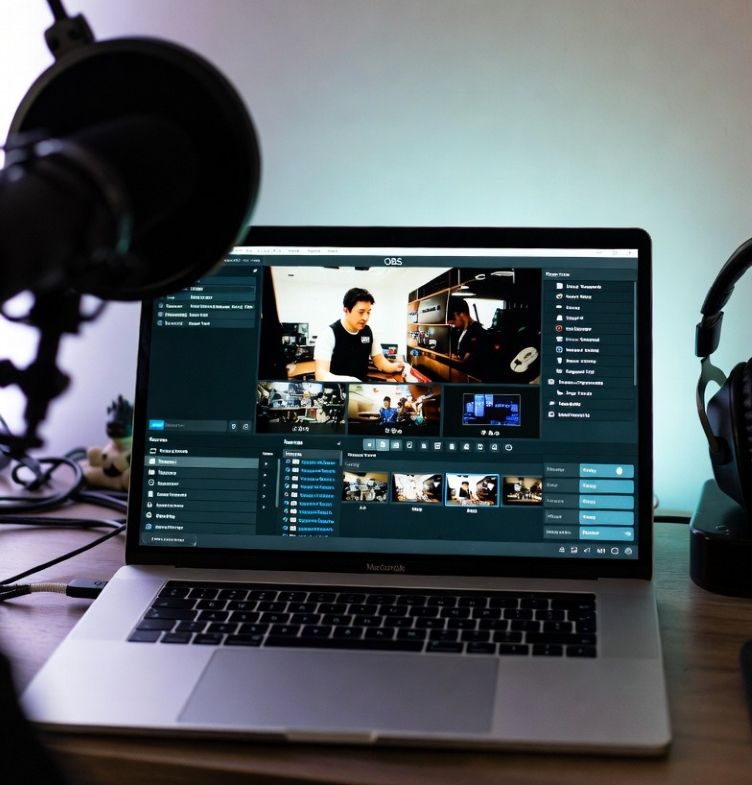
- OBS Studio: The go-to for streamers, OBS allows high-quality recording and integrates seamlessly with Twitch and YouTube. Its scene transitions and overlays make streams look professional.
- Movavi Screen Recorder: Lightweight and easy to use, Movavi’s recorder is perfect for gamers who want smooth captures without draining system resources. It supports scheduled recording and multiple export formats.
Features That Enhance Gaming Communication
Gaming content is about more than visuals, it’s about storytelling and clarity. Tools that offer annotation, scrolling capture, and instant sharing elevate communication between creators and their audiences.
- Annotations: Adding text or shapes makes tutorials easier to follow and helps highlight critical gameplay decisions.
- Scrolling Screenshots: Ideal for capturing entire chat logs or long menus, ensuring no detail is missed.
- Quick Share Links: Uploading directly to the cloud or generating instant links saves time, letting gamers share highlights with teammates or fans instantly.
Balancing Performance and Quality
Recording gameplay on a MacBook can strain resources, especially during high-resolution sessions. To keep performance steady, gamers should adjust settings and choose tools wisely.
- Use lightweight capture apps for quick screenshots to avoid lag.
- Record at 1080p for social media, reserving 4K for polished highlight reels.
- Enable hardware acceleration when available to reduce CPU load.
- Save recordings in compressed formats to conserve storage without losing clarity.
Creative Workflows for Streamers
Streamers often juggle gameplay, recording, and audience engagement. A reliable snipping tool helps streamline this process. CleanShot X’s instant cloud sharing allows highlights to be posted mid-session, while OBS Studio’s scene transitions let creators switch between gameplay and commentary smoothly. These workflows keep audiences engaged and reduce technical distractions.
For tutorial creators, Snagit’s annotation tools are invaluable. Adding arrows or text boxes makes complex strategies easier to explain. Movavi Screen Recorder’s scheduled capture feature is perfect for recording long sessions without constant monitoring. Each tool supports a different creative style, but all contribute to smoother, more professional content. Beyond capture tools, productivity platforms also play a role in shaping workflows, and insights into how Microsoft Office 2024 can benefit game developers highlight the importance of integrating creative and organizational software for a complete content strategy.
Conclusion
For MacBook gamers and streamers, capture tools are more than utilities, they are creative partners. From scrolling screenshots to live streaming, these apps enhance communication and storytelling. Choosing the right MacBook snipping tool ensures that gameplay moments are captured with clarity and shared with impact. For creators, it’s the difference between a simple clip and a highlight that resonates with audiences.